English













































Tips to Manage Business Mail Remotely
-
Admin_Virtual / 4 years
- June 9, 2022
- 0
- 4 min read


Remote work has transformed how businesses operate, but one challenge remains constant: managing business mail efficiently and securely. Legal notices, invoices, contracts, and government correspondence still arrive in physical form. Without a proper system, remote businesses risk delays, missed deadlines, and security concerns. These tips will help you manage business mail remotely while maintaining professionalism, efficiency, and compliance.
Use a Virtual Mailbox Service
The most effective way to manage business mail remotely is by using a virtual mailbox. A virtual mailbox provides a real street address where your mail is received and processed. Instead of mail being delivered to a home or physical office, it is sent to a secure facility and managed digitally.
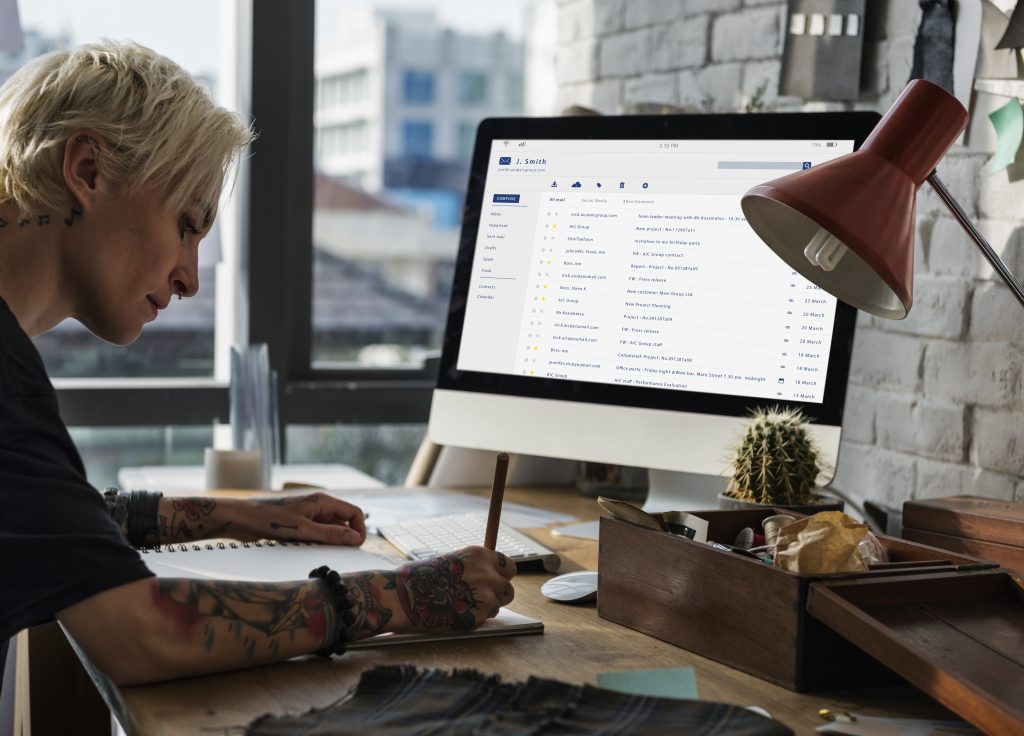
With a virtual mailbox, you can view and control mail from anywhere, eliminating the need for physical presence.
Review Mail Regularly
Remote mail management requires consistency. Make it a habit to check your virtual mailbox dashboard daily or at least several times a week. Important documents often have deadlines, and delayed action can result in penalties or missed opportunities.
Regular reviews ensure:
-
Timely responses
-
Better organization
-
Reduced backlog
Creating a routine prevents important mail from being overlooked.
Prioritize Important Mail
Not all mail requires immediate attention. Separate high-priority items such as legal notices, tax documents, and invoices from general correspondence. Many virtual mailbox services allow labeling or categorizing mail, which makes prioritization easier.
Clear prioritization helps you focus on what matters most and avoid unnecessary delays.
Enable Mail Scanning for Fast Access
Mail scanning allows you to access the contents of mail digitally. This is especially useful for remote businesses that need quick decision-making. Instead of waiting for physical forwarding, scanned documents can be reviewed and shared instantly.
Digital access speeds up approvals, payments, and responses, keeping operations running smoothly.
Set Mail Handling Rules
Automation is key to efficient remote mail management. Define rules for how different types of mail should be handled. For example:
-
Automatically scan mail from banks or government agencies
-
Forward physical documents monthly
-
Securely destroy junk or promotional mail
These rules reduce manual work and ensure consistency.
Share Access Securely with Your Team
If your business involves multiple team members, controlled access is essential. Virtual mailboxes often allow multiple users with permission-based access. This enables accountants, managers, or legal advisors to view relevant mail without sharing login credentials.
Secure access improves collaboration while protecting sensitive information.
Protect Sensitive Information
Mail often contains confidential data. To manage mail remotely without risk:
-
Use strong passwords for mailbox accounts
-
Enable multi-factor authentication
-
Limit access to trusted users only
-
Monitor activity logs for unusual behavior
Security should be a continuous priority, especially when handling financial or legal correspondence.
Use Digital Storage and Archiving
Remote businesses benefit from digital document storage. Scanned mail can be archived in secure cloud storage or document management systems. This reduces reliance on physical storage and ensures documents are easily retrievable.
Digital archives also support audits, compliance checks, and long-term record keeping.
Forward Physical Mail Only When Necessary
Physical forwarding should be used selectively. Forward only essential documents that require original copies, such as signed contracts or official certificates. Reducing unnecessary forwarding lowers costs and speeds up overall mail processing.
Plan forwarding schedules based on business needs rather than defaulting to immediate delivery.
Keep Your Address Information Updated
Ensure that your virtual address is used consistently across all platforms, including registrations, banking, websites, and client communications. Consistency prevents confusion and ensures smooth delivery of important correspondence.
Regularly review and update records to avoid misdirected mail.
Conclusion
Managing business mail remotely is entirely achievable with the right tools and habits. By using a virtual mailbox, reviewing mail regularly, automating handling rules, and prioritizing security, remote businesses can stay organized and responsive.
Efficient remote mail management saves time, reduces risk, and supports professional operations regardless of location. With a structured approach, businesses can maintain control over their mail and focus on growth rather than logistics.