English


























































Best Practices for Virtual Office Users
-
Admin_Virtual / 4 years
- June 9, 2022
- 0
- 4 min read


Virtual offices have become an essential tool for modern businesses, offering flexibility, cost savings, and a professional presence without the overhead of a physical workspace. While setting up a virtual office is simple, using it effectively requires thoughtful practices to ensure professionalism, security, and compliance. This guide outlines best practices that help virtual office users get the most value from their setup.
Maintain Consistent Use of Your Virtual Address
One of the most important best practices is consistency. Your virtual office address should be used across all official business documents, including company registration, bank accounts, tax filings, invoices, websites, and marketing materials. Inconsistent address usage can cause confusion, delay approvals, or raise compliance concerns with authorities and financial institutions.
Keeping one verified address ensures clarity, credibility, and smoother business operations.
Understand Legal and Compliance Requirements
Before using a virtual office, it is essential to confirm that the address meets local legal and regulatory requirements. Different jurisdictions have different rules regarding the use of virtual addresses for registrations, licenses, and banking.
Best practices include:
-
Verifying address acceptance for company registration
-
Confirming eligibility for tax and government correspondence
-
Retaining proof-of-address documentation provided by your virtual office provider
Staying informed about regulations prevents legal complications and ensures long-term compliance.
Monitor Mail Regularly
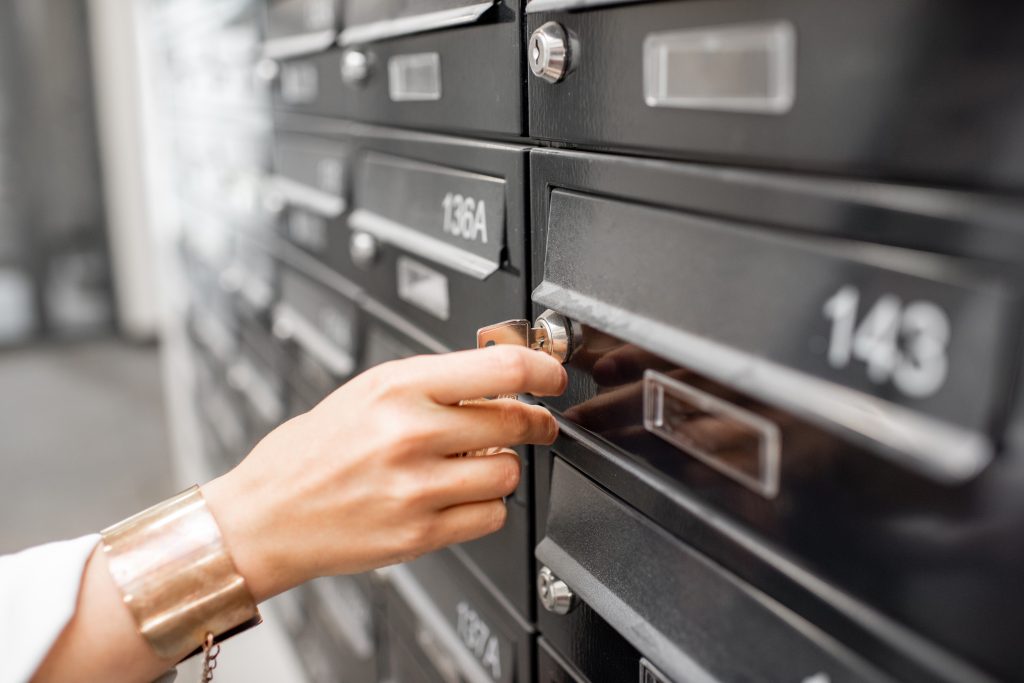
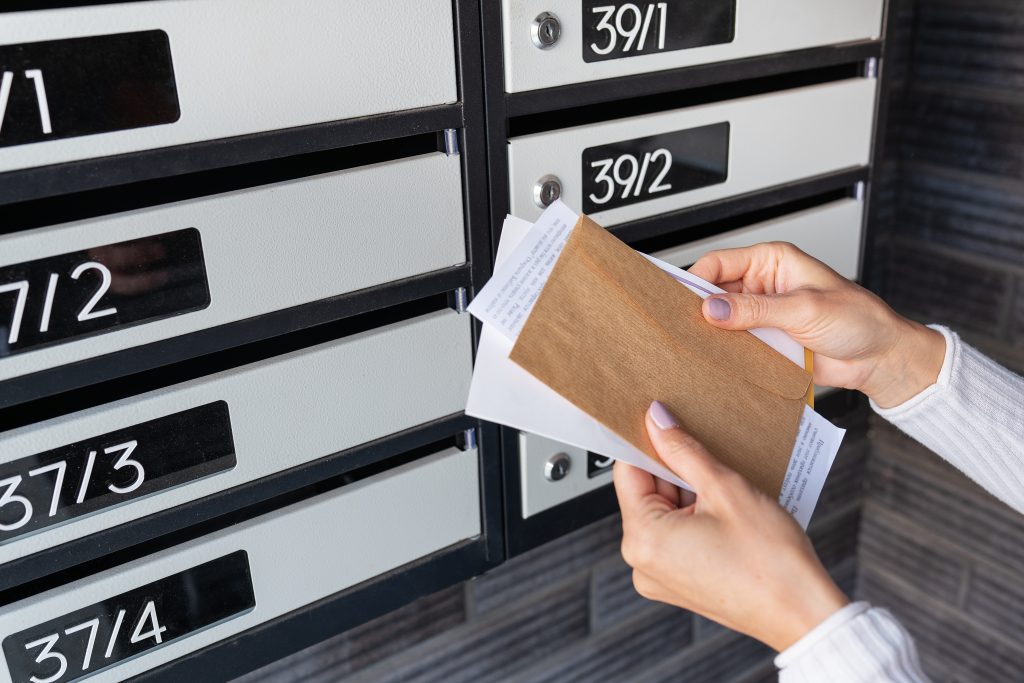
Virtual offices typically include mail handling or virtual mailbox services. To avoid delays or missed deadlines, check your mailbox dashboard regularly. Important legal notices, invoices, or government correspondence often arrive by mail and may require timely action.
Developing a routine for reviewing incoming mail ensures you stay informed and responsive.
Use Secure Mail Handling Options
Security should be a top priority when using a virtual office. Always use providers that offer secure mail storage, controlled access, and documented handling procedures. When available, enable features such as mail scanning, activity logs, and identity verification.
Additionally:
-
Limit mailbox access to authorized individuals
-
Enable multi-factor authentication
-
Review handling logs for unusual activity
These measures protect sensitive business information.
Keep Communication Professional
A virtual office enhances your professional image when used correctly. Ensure that your business address, phone services, and email communication reflect professionalism. If your provider offers call handling or receptionist services, define clear instructions to ensure consistent and accurate responses.
Professional communication builds trust with clients, partners, and stakeholders.
Organize Digital Mail and Documents
Efficient document management is key to long-term success. Create a structured system for organizing scanned mail and digital documents. Categorize files by type, date, or department to make retrieval easy.
A well-organized digital archive:
-
Saves time
-
Improves collaboration
-
Supports audits and legal reviews
Treat your virtual mailbox as part of your broader document management strategy.
Use Forwarding and Storage Wisely
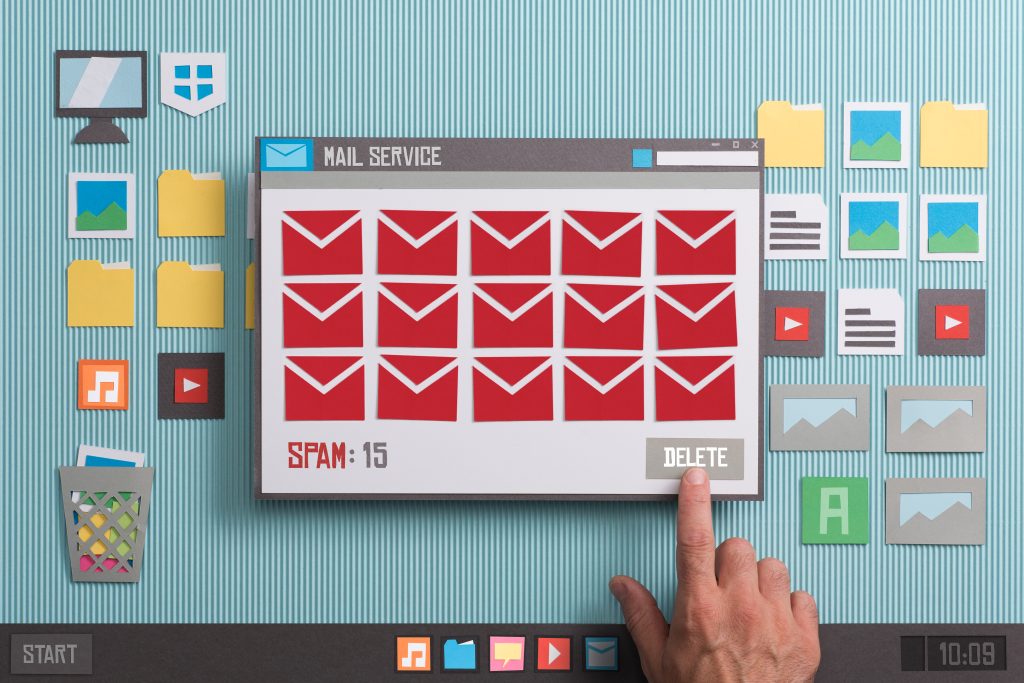
Not all mail needs to be forwarded physically. Best practice is to forward only essential documents and store or securely destroy the rest. This reduces costs and clutter while maintaining access to important records digitally.
Set clear rules for:
-
Forwarding frequency
-
Storage duration
-
Secure destruction of unwanted mail
Automation can further streamline this process.
Review Provider Performance Periodically
Your business needs may evolve, so it’s important to review your virtual office provider regularly. Evaluate:
-
Mail handling speed and accuracy
-
Security standards
-
Customer support quality
-
Cost-effectiveness of your current plan
If your needs change, consider upgrading or switching plans to ensure continued efficiency.
Train Team Members on Virtual Office Use
If multiple team members access your virtual office or mailbox, provide clear guidelines on usage. Define roles, access permissions, and handling procedures. Training reduces errors, improves efficiency, and ensures security standards are maintained.
Clear internal policies help virtual office usage remain smooth and professional.
Plan for Growth
Virtual offices are scalable, making them ideal for growing businesses. As your company expands, you may need additional addresses, user access, or enhanced services. Planning ahead ensures your virtual office continues to support business growth without disruption.
Conclusion
Using a virtual office effectively requires more than just setting it up. By following best practices such as consistent address usage, regular mail monitoring, strong security measures, and organized document management, businesses can maximize the benefits of a virtual office.
Virtual offices offer flexibility, professionalism, and cost efficiency, but their true value lies in how well they are managed. With the right practices in place, virtual office users can operate confidently, securely, and efficiently in today’s remote-first business environment.