English























































How to Manage Mail Online Efficiently
-
Admin_Virtual / 4 years
- June 9, 2022
- 0
- 4 min read


As businesses increasingly operate remotely, managing mail online has become essential. Traditional mail handling can be slow, insecure, and inefficient, especially for remote teams, freelancers, and growing companies. Online mail management—through virtual mailboxes and digital workflows—offers a smarter way to stay organized, secure, and productive. This guide explains how to manage mail online efficiently while maintaining professionalism and compliance.
Why Online Mail Management Matters
Mail remains a critical channel for business communication. Contracts, invoices, legal notices, tax documents, and customer correspondence still arrive in physical form. Without an efficient system, businesses risk delays, missed deadlines, and security breaches.
Managing mail online allows businesses to access important documents instantly, regardless of location. It reduces clutter, saves time, and ensures sensitive information is handled securely.
Step 1: Use a Virtual Mailbox Service
The foundation of online mail management is a virtual mailbox. This service provides a real street address where your mail is received and processed. Instead of mail arriving at a home or office, it is sent to a secure facility where trained staff handle it professionally.
With a virtual mailbox, you can view and manage mail through an online dashboard, eliminating the need for physical access.
Step 2: Enable Digital Mail Scanning
Mail scanning is one of the most important features for efficient online management. When mail arrives, the front of each item is scanned and uploaded to your account. You can then request full content scans for important documents.
This process allows you to:
-
Review mail instantly
-
Identify urgent items quickly
-
Avoid delays caused by physical delivery
Digital scanning ensures no important correspondence is overlooked.
Step 3: Organize Mail Using Folders and Tags
An organized digital mailbox improves efficiency. Most online mail platforms allow you to create folders, labels, or categories for different types of mail such as invoices, legal documents, banking, or client correspondence.
Consistent organization helps:
-
Reduce search time
-
Improve record keeping
-
Simplify audits and compliance checks
Over time, this creates a structured digital archive that supports business operations.
Step 4: Set Clear Mail Handling Rules
Efficiency improves when decisions are automated. Many virtual mailbox services allow you to define rules for how mail should be handled. For example:
-
Automatically scan mail from specific senders
-
Forward physical documents weekly or monthly
-
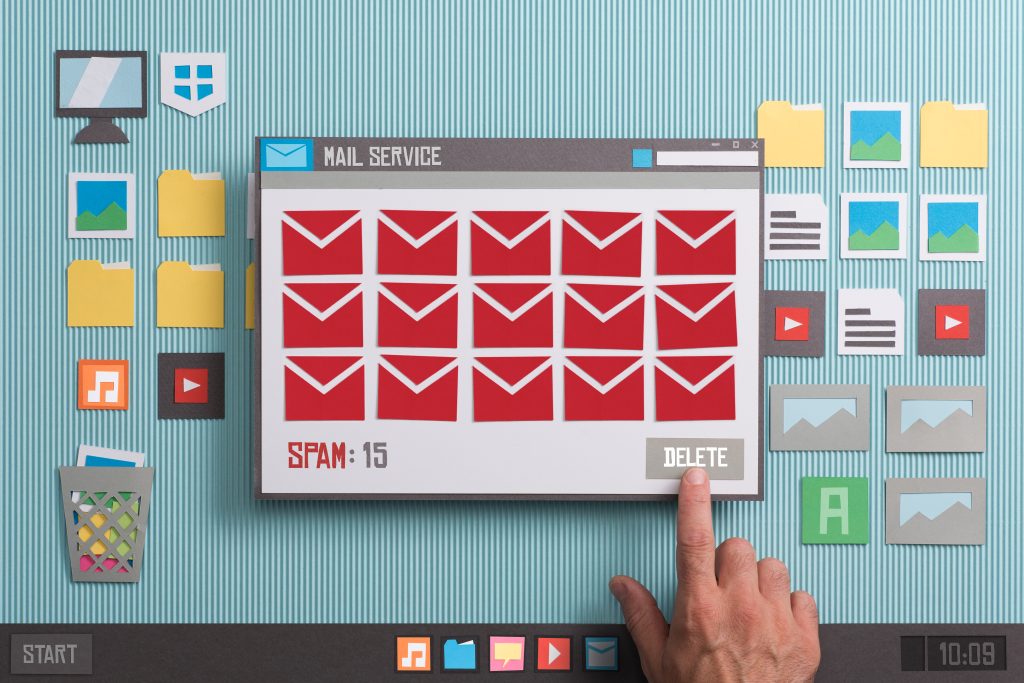
Shred promotional or junk mail
These rules reduce manual decision-making and keep your inbox manageable.
Step 5: Share Access with Team Members
For businesses with teams, shared access improves workflow. Virtual mailboxes often support multiple users with permission-based access.
This allows:
-
Accountants to access financial documents
-
Legal teams to review compliance-related mail
-
Managers to oversee all correspondence
Controlled access ensures collaboration without compromising security.
Step 6: Secure Your Online Mail System
Security is essential when managing mail online. Best practices include:
-
Using strong, unique passwords
-
Enabling multi-factor authentication
-
Monitoring activity logs regularly
-
Limiting user access to only what is necessary
These measures protect sensitive information and reduce the risk of unauthorized access.
Step 7: Use Digital Archives for Long-Term Storage
Instead of storing physical documents, businesses can rely on digital archives. Scanned mail can be saved, downloaded, or integrated into document management systems.
Digital archiving offers:
-
Easy retrieval of past documents
-
Reduced physical storage costs
-
Improved compliance and record retention
Maintaining a structured digital archive supports audits, legal reviews, and long-term planning.
Step 8: Schedule Regular Mail Reviews
Even with automation, regular review is essential. Set a routine to check your digital mailbox daily or weekly depending on volume.
Consistent review helps:
-
Catch urgent or time-sensitive mail
-
Prevent backlog
-
Ensure timely responses to clients and authorities
A simple review habit ensures nothing falls through the cracks.
Step 9: Integrate Mail with Business Workflows
To maximize efficiency, integrate online mail management with your broader business systems. Scanned documents can be forwarded to accounting software, shared with legal teams, or stored in cloud drives.
This integration reduces duplication of effort and ensures mail becomes part of a seamless workflow rather than a standalone task.
Conclusion
Managing mail online efficiently is no longer optional for modern businesses—it is a necessity. By using a virtual mailbox, enabling mail scanning, organizing documents digitally, and implementing security and automation practices, businesses can transform traditional mail into a streamlined digital process.
Efficient online mail management saves time, reduces risk, and supports remote work. For freelancers, startups, and established companies alike, it offers a professional and reliable way to stay connected, organized, and in control—no matter where business takes you.