English

















































How Mail Forwarding Works in Virtual Mailboxes
-
Admin_Virtual / 4 years
- June 21, 2022
- 0
- 4 min read


For modern businesses, freelancers, and remote teams, managing physical mail efficiently is essential. Traditional mail handling can be slow, cumbersome, and inconvenient, especially for those who operate without a central office. Virtual mailbox services provide a solution by allowing businesses to digitize, organize, and forward mail seamlessly. One of the most important features of these services is mail forwarding, which ensures that physical correspondence reaches the right place at the right time. In this blog, we’ll explore how mail forwarding works in virtual mailboxes and why it is a game-changer for businesses in 2026.
Step 1: Receiving Mail at a Virtual Address
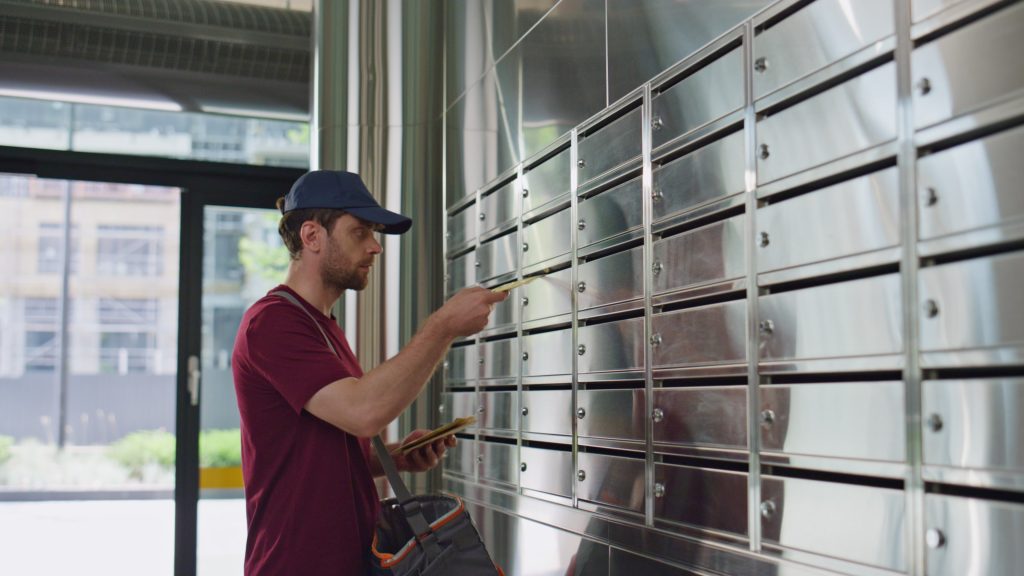
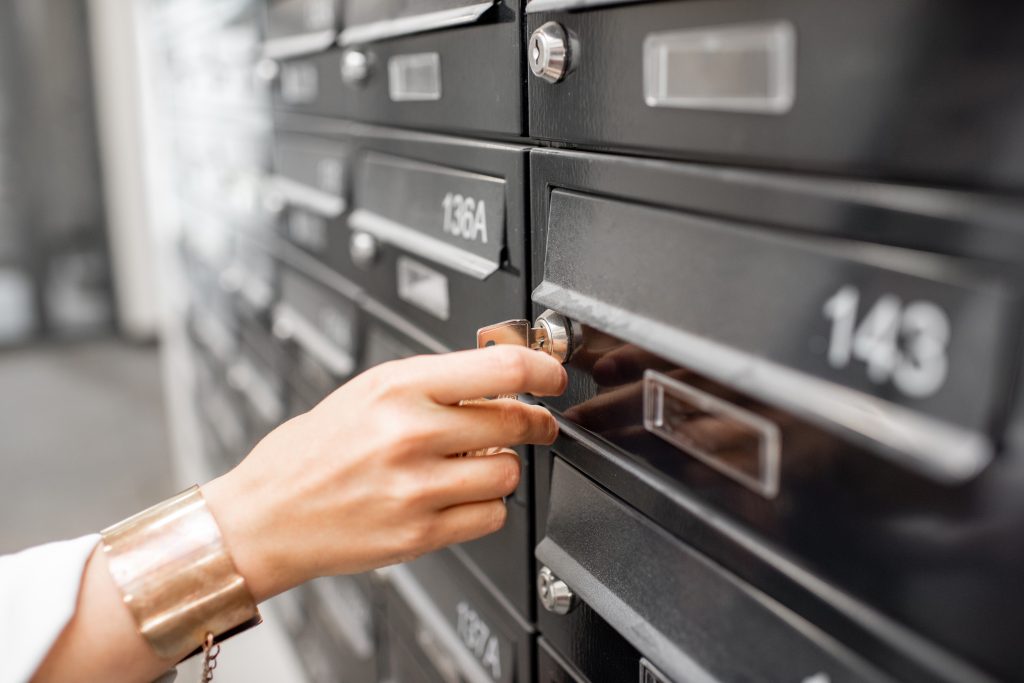
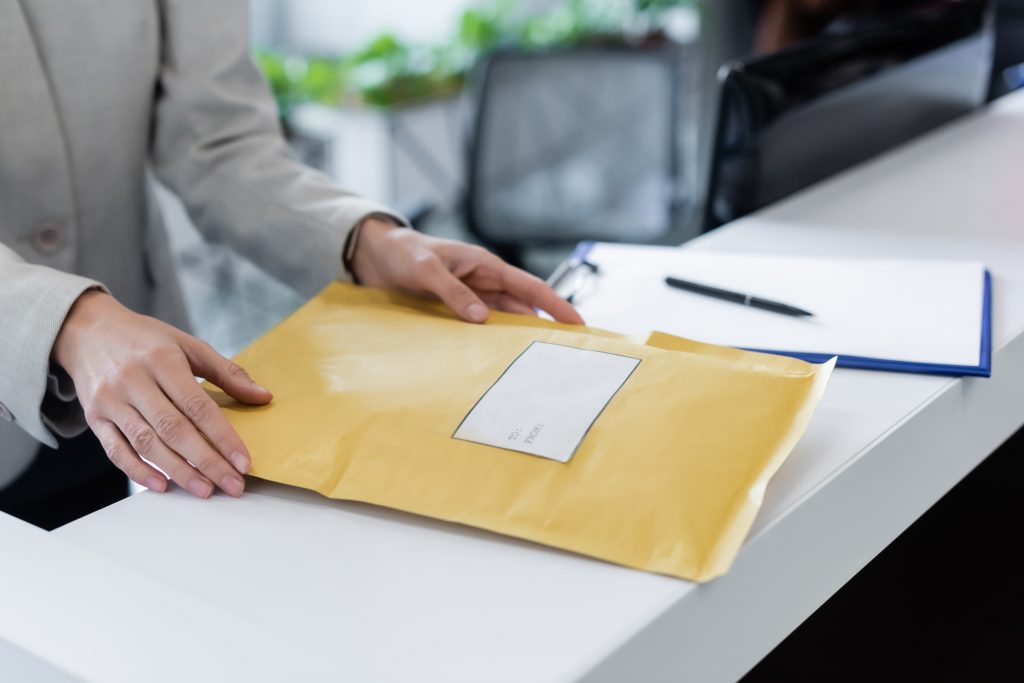
The mail forwarding process begins with mail delivery to your virtual mailbox address. When you sign up for a virtual mailbox, you are provided with a professional business address. All incoming mail, including letters, packages, and important documents, is delivered to this secure address.
Benefits of using a virtual address for forwarding:
-
Privacy: Keeps your home or personal address confidential
-
Professional Appearance: Projects credibility to clients and partners
-
Centralized Management: All mail is logged and organized in one secure location
At this stage, the provider records essential details about each item, such as the sender, type of mail, and date of arrival.
Step 2: Logging and Notification
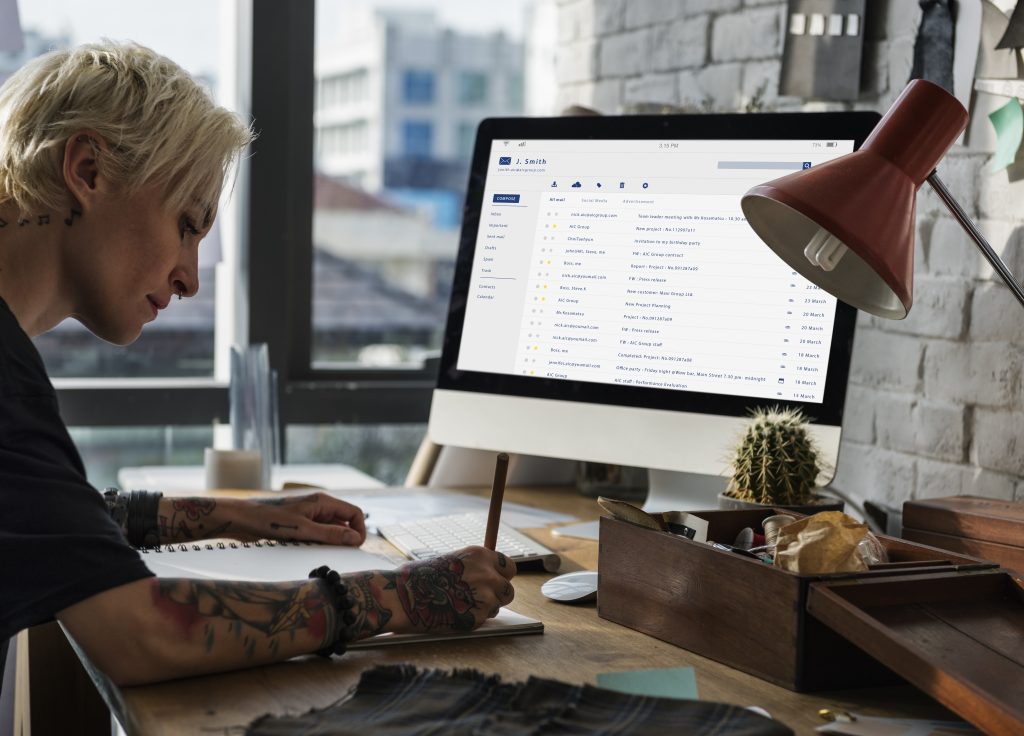
Once mail arrives, the provider logs each item into your account and sends a notification via email or mobile app. The notification typically includes:
-
Sender information
-
Type of item (letter, package, document)
-
Size and weight (for packages)
-
Date received
This allows you to track all mail in real-time and decide how to handle each item.
Step 3: Choosing Mail Forwarding Options
After receiving a notification, you can choose how to forward your mail. Virtual mailbox services offer flexible options to meet different business needs:
-
One-Time Forwarding: Send a specific item to your home, office, or any other address.
-
Scheduled Forwarding: Forward mail at regular intervals—weekly, bi-weekly, or monthly.
-
Consolidated Forwarding: Combine multiple mail items into a single shipment to reduce costs.
-
International Forwarding: Forward mail to addresses worldwide, ideal for global businesses and remote teams.
This flexibility ensures that you receive only the items you need, when you need them, in the most efficient way.
Step 4: Preparing Mail for Forwarding
Before forwarding, the virtual mailbox provider prepares your mail according to your chosen method. This can include:
-
Packaging: Securely bundling letters and packages
-
Labeling: Adding shipping labels with the forwarding address
-
Custom Instructions: Following any special instructions such as separating invoices, confidential documents, or sensitive packages
Proper preparation ensures that mail reaches its destination safely and efficiently.
Step 5: Shipping and Tracking
Once your mail is prepared, it is shipped using reliable courier services. Most virtual mailbox providers offer tracking options, allowing you to monitor your mail in transit.
Key benefits of tracking include:
-
Ensuring mail is delivered on time
-
Providing peace of mind for sensitive documents or packages
-
Reducing the risk of lost or delayed mail
Tracking also allows businesses to plan ahead and manage operations more effectively.
Step 6: Digital Notifications and Updates
During the forwarding process, many virtual mailbox providers continue to update your account digitally. You may receive:
-
Confirmation when items are shipped
-
Tracking updates for each package
-
Notifications when items are delivered
These updates provide visibility and control, even when your team is remote or traveling.
Step 7: Integration with Business Operations
Mail forwarding is not just about physical delivery—it also supports overall business efficiency. Forwarded mail can be:
-
Used immediately for accounting, invoicing, or client correspondence
-
Digitized for record-keeping and compliance
-
Shared with team members for collaboration and decision-making
By integrating mail forwarding into digital workflows, businesses can minimize delays and ensure smooth operations.
Conclusion
Mail forwarding is a critical feature of virtual mailbox services that transforms the way businesses handle physical correspondence. By receiving mail at a secure virtual address, logging and notifying recipients, offering flexible forwarding options, and providing tracking updates, virtual mailboxes streamline mail management while saving time and reducing costs.
For remote teams, freelancers, startups, and small businesses in 2026, mail forwarding ensures that important documents and packages reach the right place, on time, and with minimal effort. Combined with scanning, digital access, and storage, mail forwarding allows businesses to operate efficiently, professionally, and globally—all without the limitations of a physical office.
In an increasingly remote-first world, virtual mailbox forwarding is not just a convenience—it’s a strategic tool for improving productivity, organization, and client satisfaction.