English














































What Happens When Mail Arrives at a Virtual Mailbox
-
Admin_Virtual / 4 years
- June 21, 2022
- 0
- 4 min read

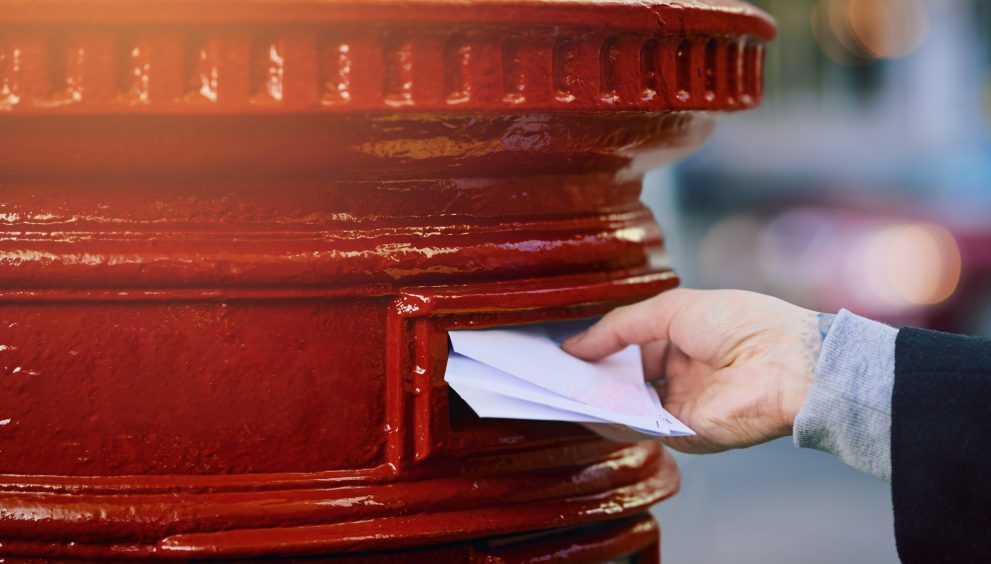
Managing business mail has evolved significantly in recent years. For businesses, freelancers, and remote teams, physical mail can be a source of delays, confusion, and inefficiency. A virtual mailbox provides a modern solution, allowing you to receive, manage, and process mail digitally. But what exactly happens when mail arrives at a virtual mailbox? In this blog, we’ll take a detailed look at the step-by-step process and explain how virtual mailbox services transform the way businesses handle correspondence.
Step 1: Mail Delivery to the Virtual Address
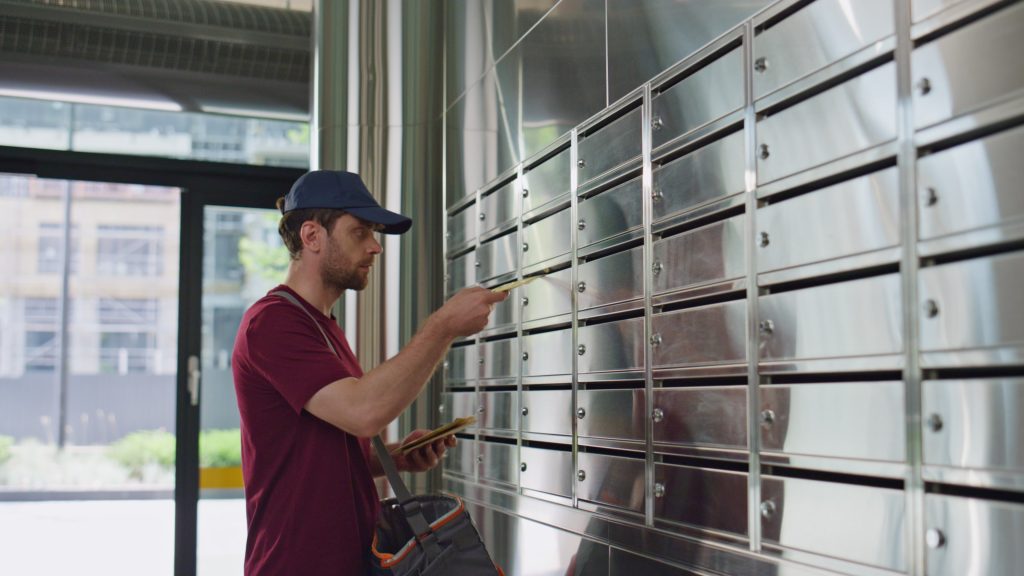
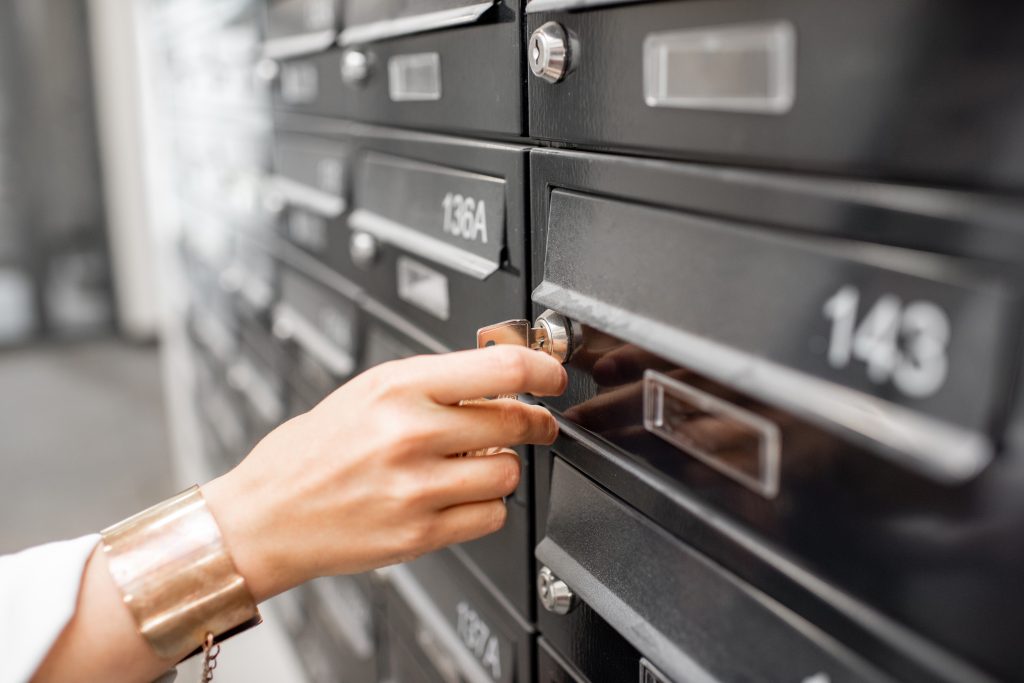
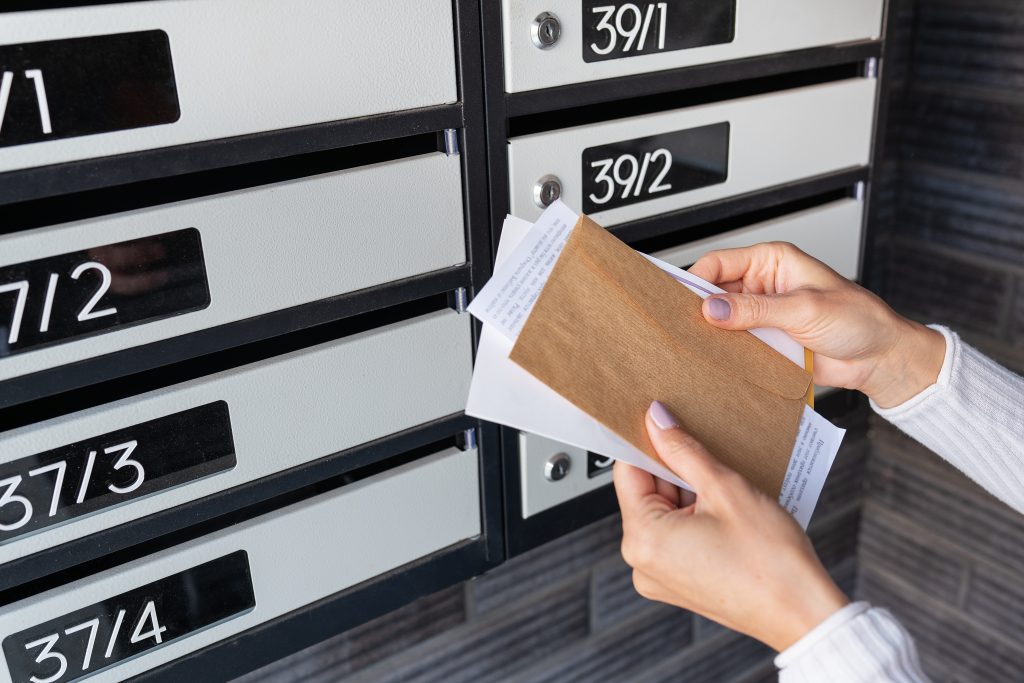
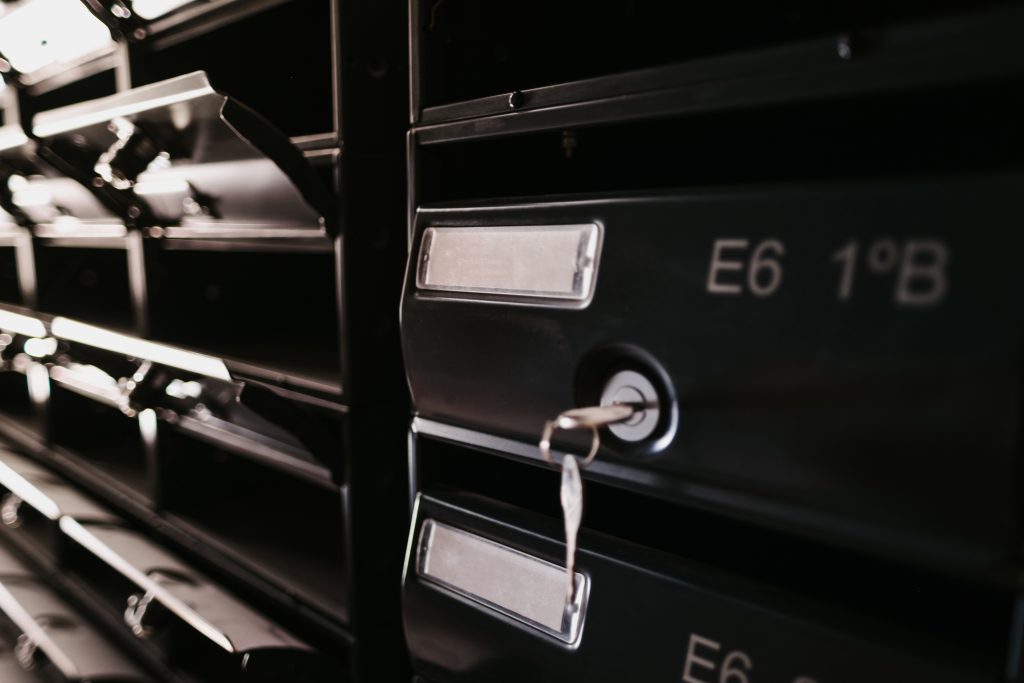
When you sign up for a virtual mailbox, you are provided with a secure business address. This address becomes your official point for receiving letters, packages, invoices, and other correspondence.
Every piece of mail is delivered to the provider’s secure facility, ensuring:
-
Privacy and security of your mail
-
Professional handling from the moment it arrives
-
Centralized management for all incoming items
This step ensures that businesses no longer need to rely on home addresses or constantly visit the post office to check for mail.
Step 2: Logging the Mail
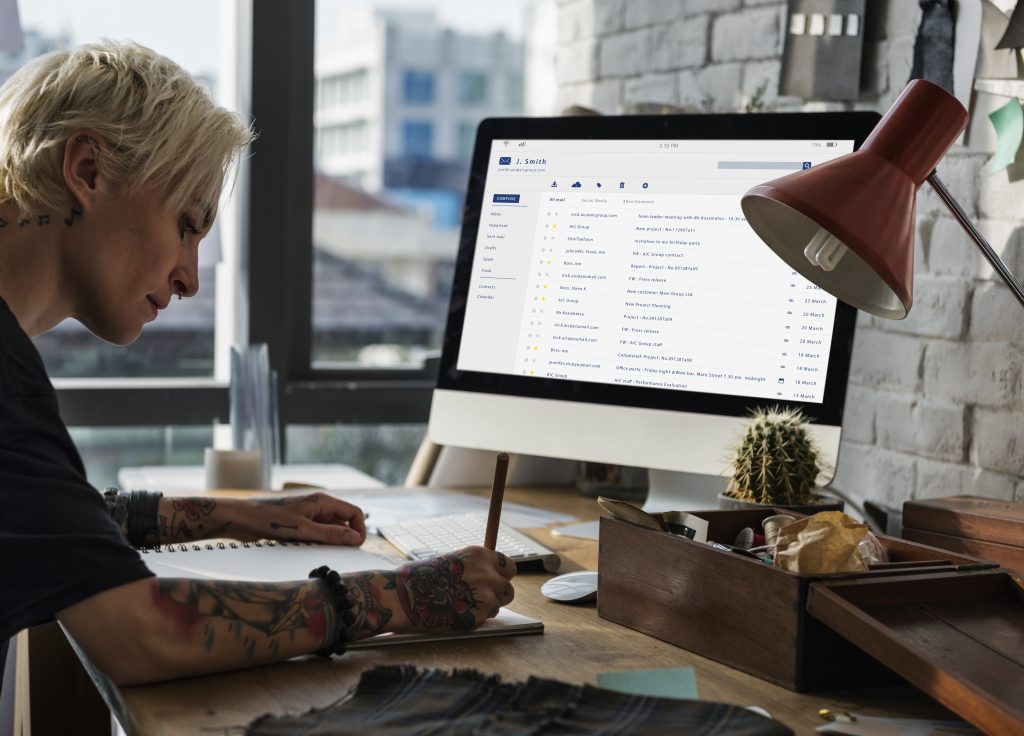
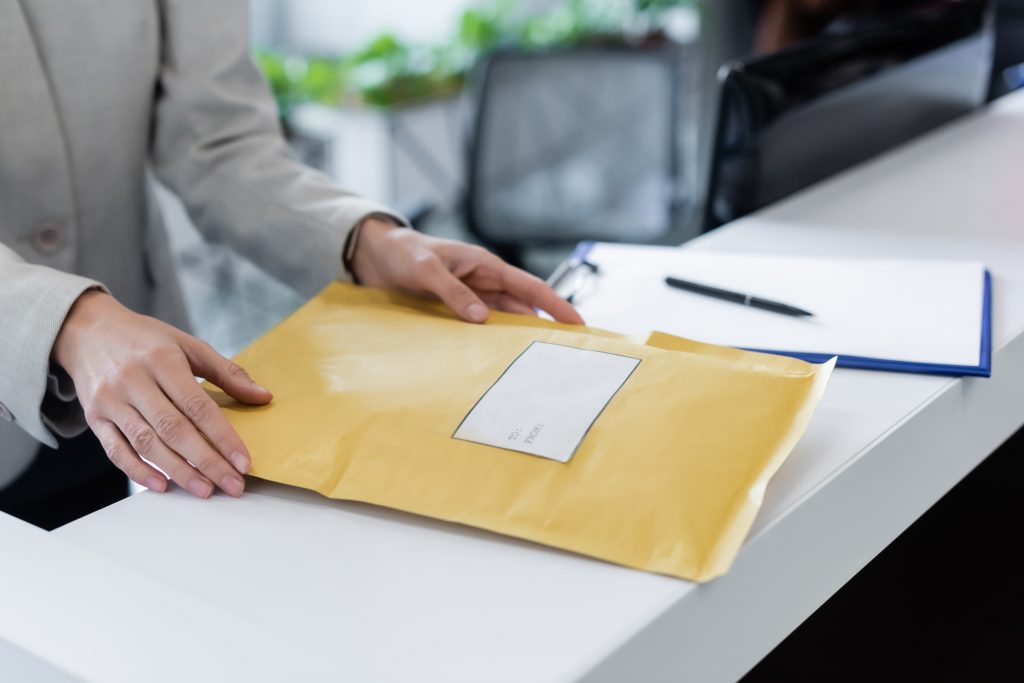
Once mail is delivered, the virtual mailbox provider logs each item into your account. You are notified via email or mobile app whenever new mail arrives.
During logging, the provider records essential details such as:
-
Sender information
-
Date of arrival
-
Type of mail (letter, package, document)
-
Size and weight (for packages)
This step provides a clear overview of all incoming correspondence, making it easy to track and prioritize important mail items.
Step 3: Visual Confirmation
Most virtual mailbox providers offer visual confirmation of incoming mail. You can see images of the envelope or package before opening the contents digitally. This allows you to:
-
Identify urgent items that require immediate attention
-
Decide whether to forward, scan, store, or shred the mail
-
Maintain organization without physically handling each item
Visual confirmation is particularly useful for remote teams and businesses that handle large volumes of mail.
Step 4: Digital Scanning
After logging, the next step is scanning the mail. The contents of letters, invoices, or documents are digitized and uploaded to your secure online portal.
Benefits of mail scanning include:
-
Instant Access: View documents from anywhere in the world.
-
Downloadable Files: Save mail as PDFs for record-keeping or sharing.
-
Enhanced Organization: Categorize and sort scanned mail within your digital mailbox.
Digital scanning eliminates the need to physically handle or store paper mail, saving time and reducing clutter.
Step 5: Mail Handling Options
Once your mail is logged and scanned, you have multiple handling options:
-
Forwarding: Send physical mail or packages to any address, including home, office, or international locations.
-
Storage: Keep mail securely in the provider’s facility for a specified duration.
-
Shredding: Dispose of unwanted mail securely and responsibly.
-
Archiving: Store digital copies for long-term access and compliance purposes.
These options provide flexibility for businesses of all sizes, ensuring mail is managed according to your preferences and operational needs.
Step 6: Notifications and Access
Virtual mailbox services keep you informed at every stage. You receive:
-
Alerts for new mail arrivals
-
Notifications when items are scanned, forwarded, or shredded
-
Updates for any packages or special deliveries
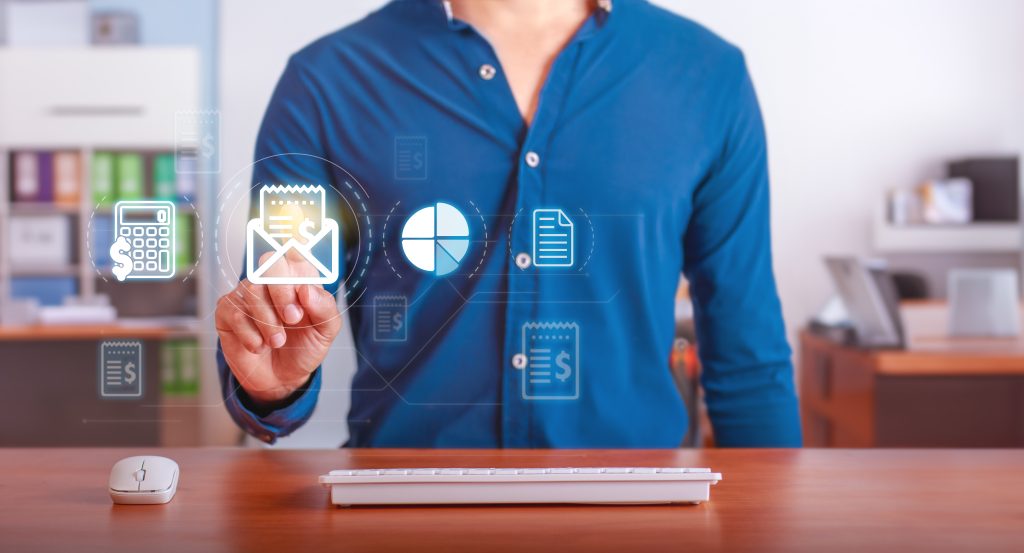
You can access all mail digitally via a web portal or mobile app, giving you full control over correspondence without being physically present.
Step 7: Integration with Business Operations
Finally, mail received at a virtual mailbox can be integrated seamlessly into your business operations. Scanned documents can be:
-
Shared with team members or clients instantly
-
Used for accounting, invoicing, or legal purposes
-
Stored digitally for compliance or audit requirements
This integration ensures that your business workflow remains uninterrupted and highly efficient.
Conclusion
The process of receiving mail at a virtual mailbox transforms traditional mail management into a digital-first, flexible, and secure system. From delivery to logging, scanning, and digital access, every step is designed to save time, reduce costs, and maintain professionalism.
For businesses, freelancers, and remote teams in 2026, virtual mailboxes offer a modern solution to an age-old problem. By understanding what happens when mail arrives, you can fully leverage the benefits of a virtual mailbox—streamlining correspondence, improving organization, and enhancing operational efficiency.
With a virtual mailbox, business mail is no longer a burden; it becomes an integrated, manageable, and accessible part of your digital workflow.