English













































From Delivery to Digital: Virtual Mailbox Process
-
Admin_Virtual / 4 years
- June 21, 2022
- 0
- 4 min read

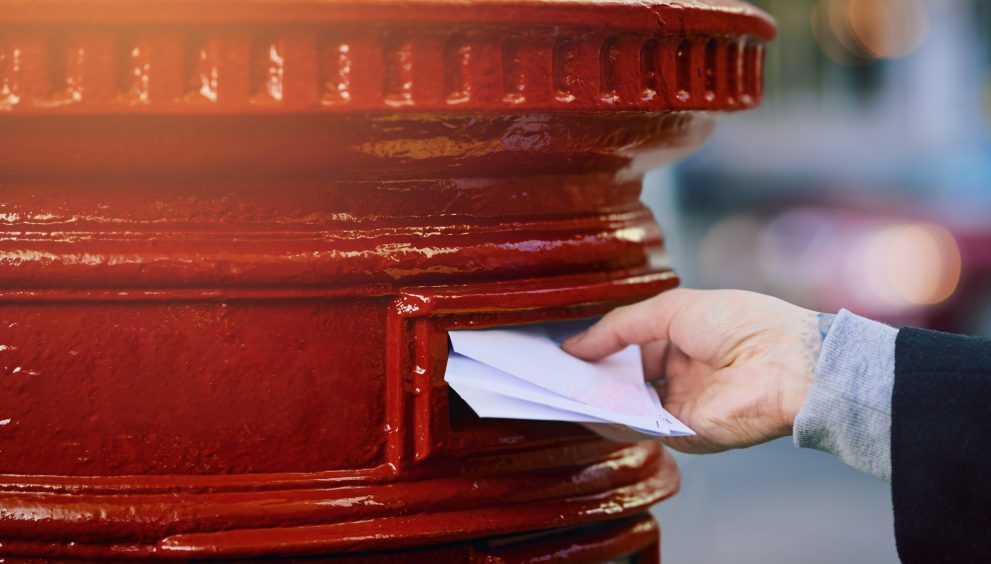
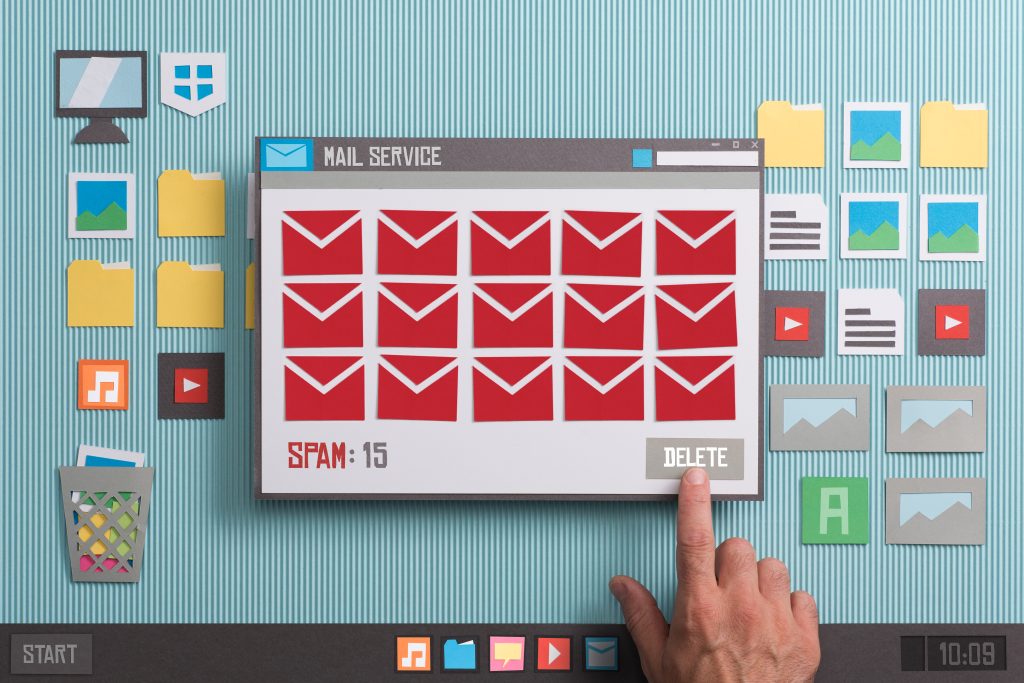
In an increasingly remote and digital-first world, managing physical mail can be a challenge for businesses of all sizes. Traditional mail handling requires employees to visit office mailrooms, sort letters and packages, and manage correspondence manually—a time-consuming and often inefficient process. A virtual mailbox transforms this workflow by converting physical mail into digital formats that can be accessed, managed, and shared from anywhere. In this blog, we’ll explore the virtual mailbox process from delivery to digital and explain how it benefits modern businesses.
Step 1: Receiving Mail at a Virtual Address
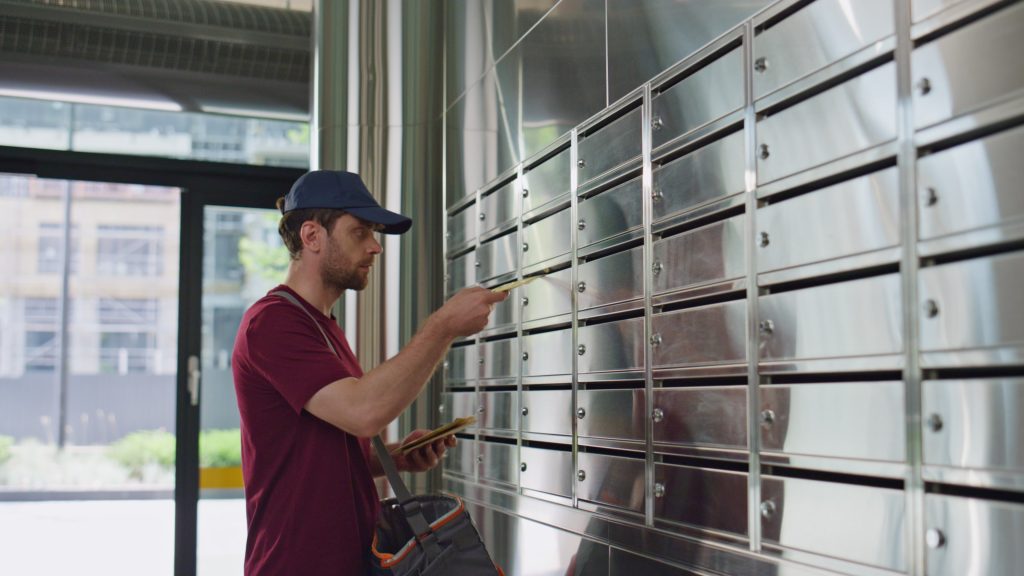
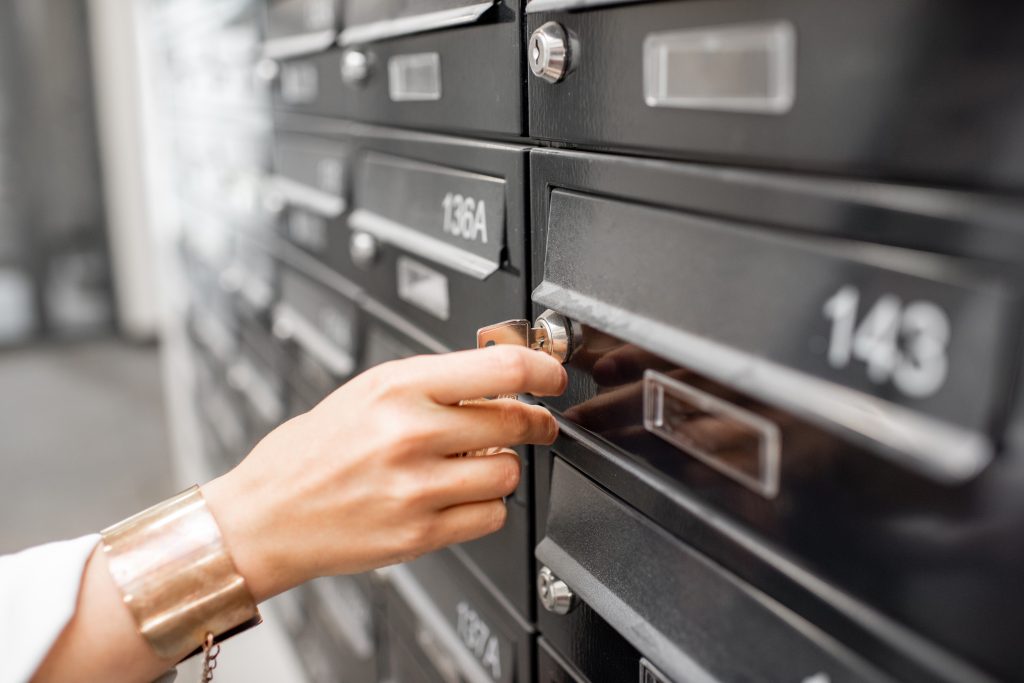
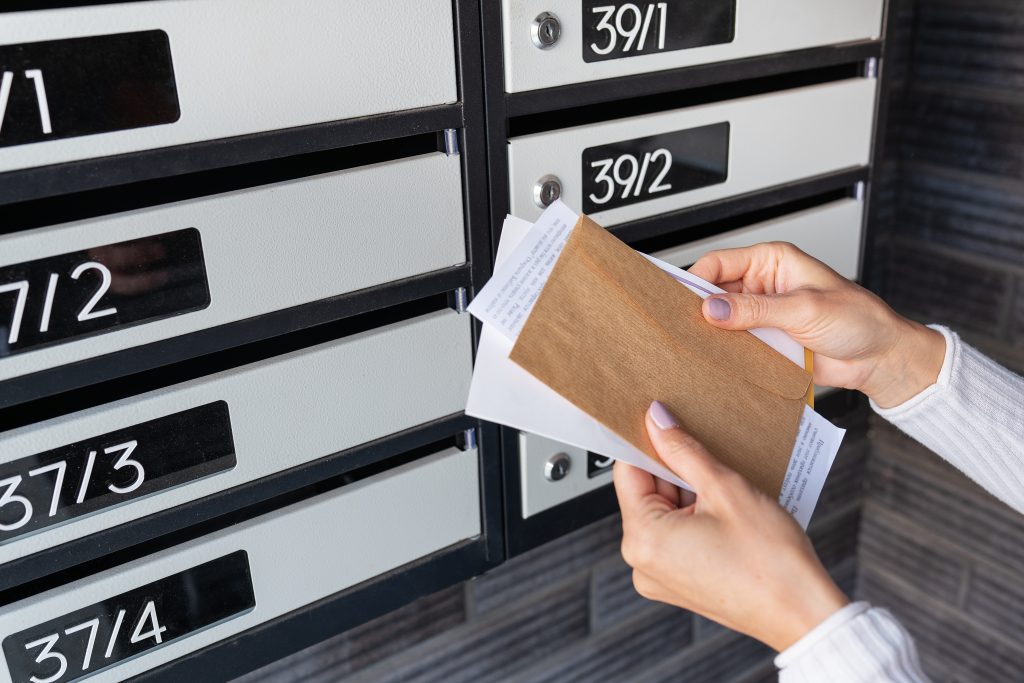
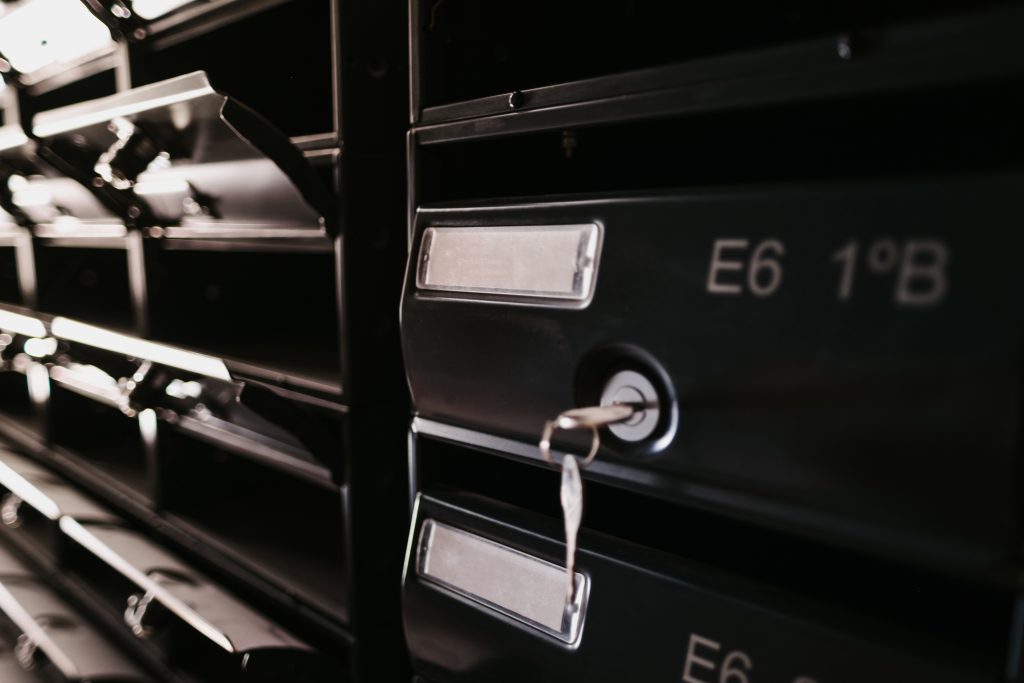
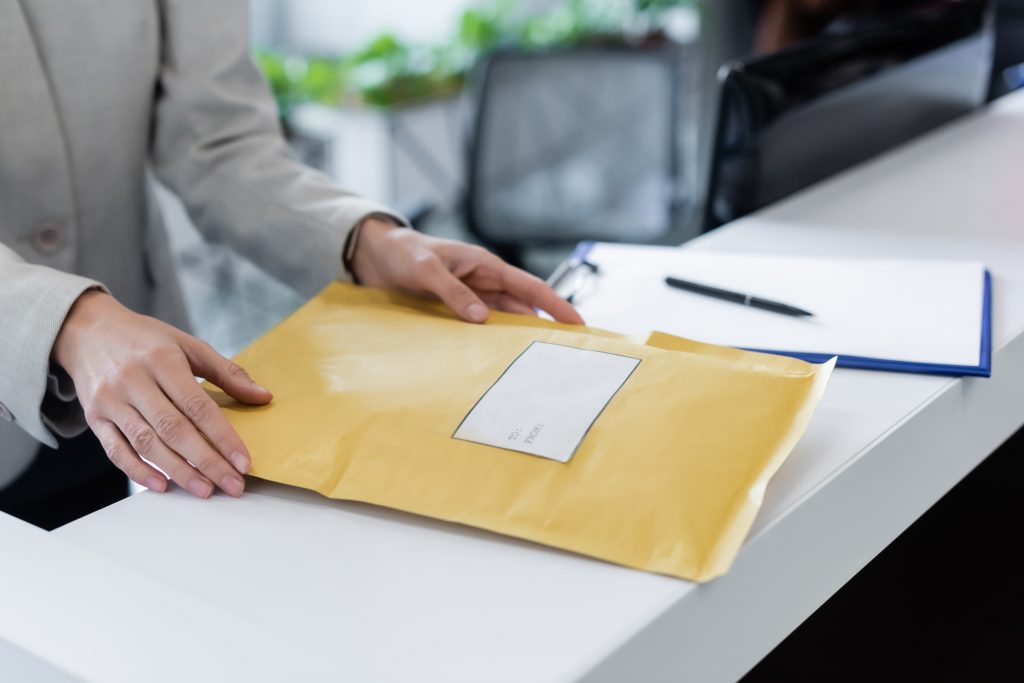
The virtual mailbox process begins with mail delivery to your assigned virtual address. When you sign up with a virtual mailbox provider, you are given a secure business address that can receive letters, packages, and other correspondence. This address acts as a centralized hub for all mail, eliminating the need to use a personal or home address for professional purposes.
Key benefits at this stage include:
-
Privacy: Personal addresses remain confidential.
-
Professional Image: Clients and partners see a credible business address.
-
Centralization: All incoming mail is managed in one secure location.
Once mail arrives, the provider logs each item, capturing details such as sender, type of mail, and arrival date.
Step 2: Logging and Notification
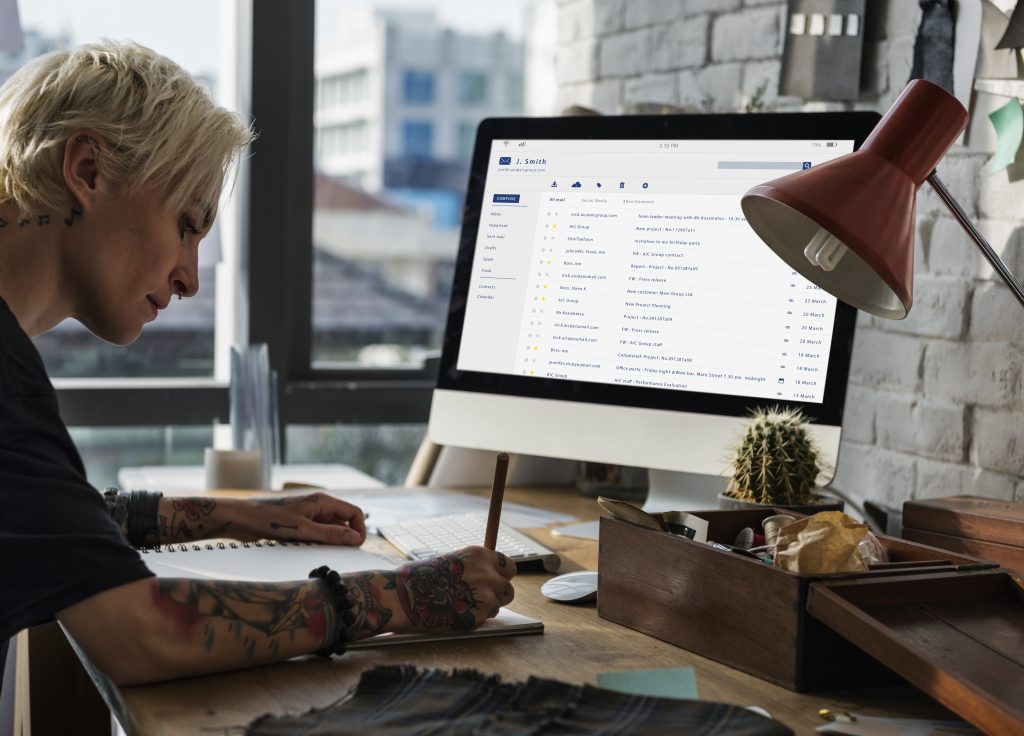
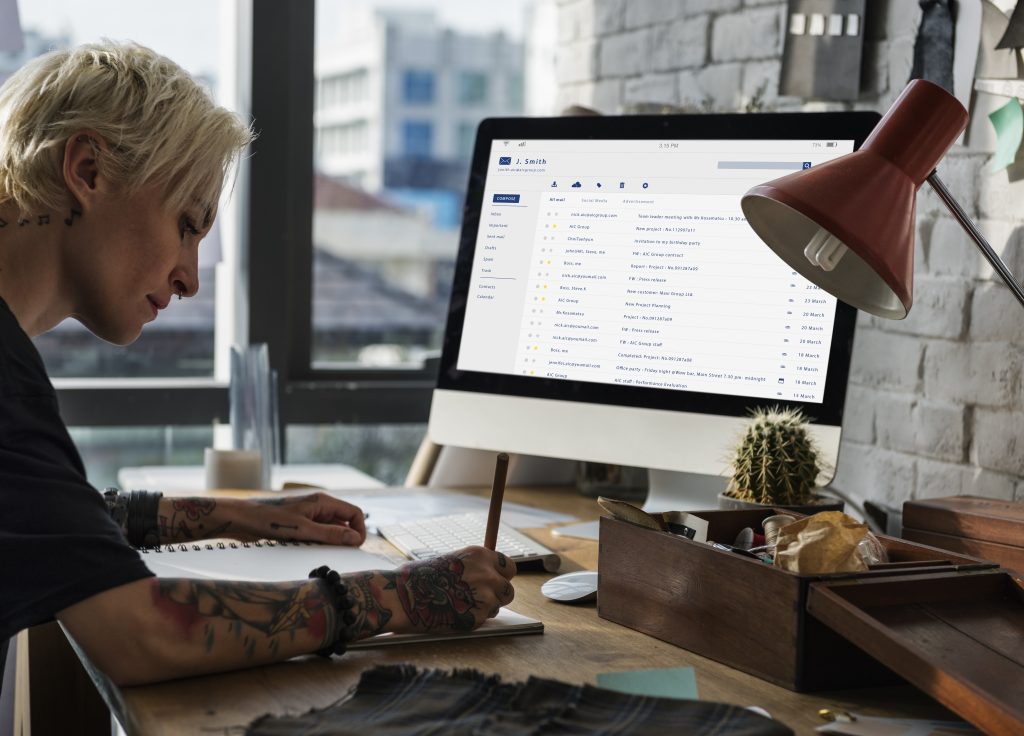
After delivery, the virtual mailbox provider logs the mail into your online account. You receive real-time notifications via email or app alerts. This ensures you are aware of every new item, whether it is a letter, invoice, legal document, or package.
Logging typically includes:
-
Sender information
-
Date received
-
Type of mail (letter, package, or document)
This step is crucial because it gives businesses control over their mail without physically being present at a mailbox.
Step 3: Mail Scanning
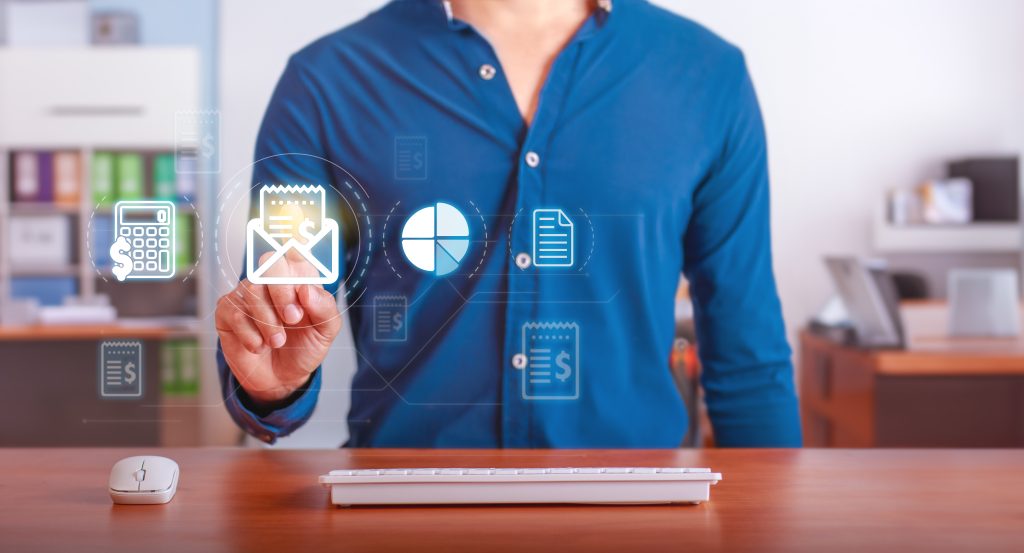
The next stage is mail scanning. The provider scans the envelope or the contents of the mail based on your preferences. Digital scans are uploaded to your secure online portal or mobile app, allowing you to:
-
View documents instantly from any location
-
Download files as PDFs
-
Share documents with employees, partners, or clients
Many virtual mailbox services also offer high-resolution scans, ensuring that all text and images are legible.
Step 4: Digital Management Options
Once your mail is digitized, you can manage it entirely online. Virtual mailbox services provide several options, including:
-
View and Read: Access scanned mail digitally and read important documents instantly.
-
Forward: Request physical delivery to your home, office, or another address.
-
Store: Keep items securely in storage for future use.
-
Shred: Dispose of unwanted mail securely.
These options give businesses control over their correspondence without the need to visit a physical office.
Step 5: Handling Packages and Special Deliveries
Virtual mailbox providers are not limited to letters—they also manage packages and special deliveries. Packages can be logged, scanned if necessary, and stored securely until you request forwarding. Some providers consolidate multiple packages into a single shipment, saving on delivery costs.
Key advantages include:
-
Efficient package management for e-commerce and remote businesses
-
Secure handling of sensitive or valuable deliveries
-
Cost savings through consolidated shipments
Step 6: Collaboration and Team Access
For businesses with multiple employees or departments, virtual mailbox services often allow team access. Multiple users can log in to view, manage, and approve mail digitally. This ensures that important documents are reviewed by the right people, increasing productivity and reducing delays in decision-making.
Features often include:
-
Role-based access controls
-
Shared mail folders
-
Notifications for urgent correspondence
Step 7: Integration with Business Processes
The final step in the virtual mailbox process is integration with your business workflow. Digitized mail can be used directly in accounting, legal, or client management systems. Checks can be deposited remotely, invoices can be processed quickly, and important contracts can be stored digitally.
By turning physical mail into digital records, businesses can:
-
Save time and reduce operational costs
-
Maintain accurate records for compliance and audits
-
Improve overall efficiency and responsiveness
Conclusion
The journey from delivery to digital is transforming how businesses handle mail in 2026. A virtual mailbox takes physical correspondence, digitizes it, and provides flexible options for management, storage, and forwarding. From startups and freelancers to remote teams and growing companies, the process ensures that important mail is never lost, delayed, or overlooked.
By adopting a virtual mailbox, businesses gain control, efficiency, and professionalism, allowing them to focus on growth and operations while managing their correspondence seamlessly in a digital-first world.