English





















































How a Virtual Mailbox Works Step by Step
-
Admin_Virtual / 4 years
- June 21, 2022
- 0
- 4 min read

In the modern business world, managing mail efficiently is critical, especially for remote teams, freelancers, startups, and small businesses. Traditional mail handling can be time-consuming, expensive, and inconvenient, particularly if you are operating remotely or traveling frequently. This is where a virtual mailbox comes in—a service that allows businesses to receive, view, and manage their physical mail digitally. In this blog, we’ll explain how a virtual mailbox works step by step, making it easy for you to understand and implement in your business operations.
Step 1: Sign Up and Get a Virtual Business Address
The first step in using a virtual mailbox is to sign up with a trusted provider. Once registered, you receive a professional business address that can be used for mail, packages, invoices, and official correspondence.
Benefits of having a virtual business address:
-
Maintain privacy by avoiding the use of your home address.
-
Present a professional image for clients and partners.
-
Use it for legal registration, banking, or website listings.
This address serves as the central hub for all incoming mail.
Step 2: Mail Is Received and Logged
Once your virtual mailbox address is active, all incoming mail is received at the provider’s secure facility. Each item is logged into your account, and you receive notifications via email or a mobile app.
During this stage, the provider usually captures details such as:
-
Sender information
-
Date of arrival
-
Type of mail (letter, package, document)
This ensures that nothing is lost and you are always aware of new correspondence.
Step 3: Decide What to Do With Your Mail
After receiving notifications, you have several options for handling your mail:
-
Scan: The provider scans the contents and uploads them to your secure online portal. This allows you to view documents digitally from anywhere.
-
Forward: If the physical mail is required, you can request it to be forwarded to your home, office, or any other address.
-
Store: You can keep the mail in secure storage for a specified period until you decide what to do with it.
-
Shred: Unnecessary mail can be securely shredded to protect your privacy and maintain a clutter-free system.
This flexibility ensures businesses can manage correspondence efficiently without physically visiting a mailbox.
Step 4: Access Your Mail Digitally
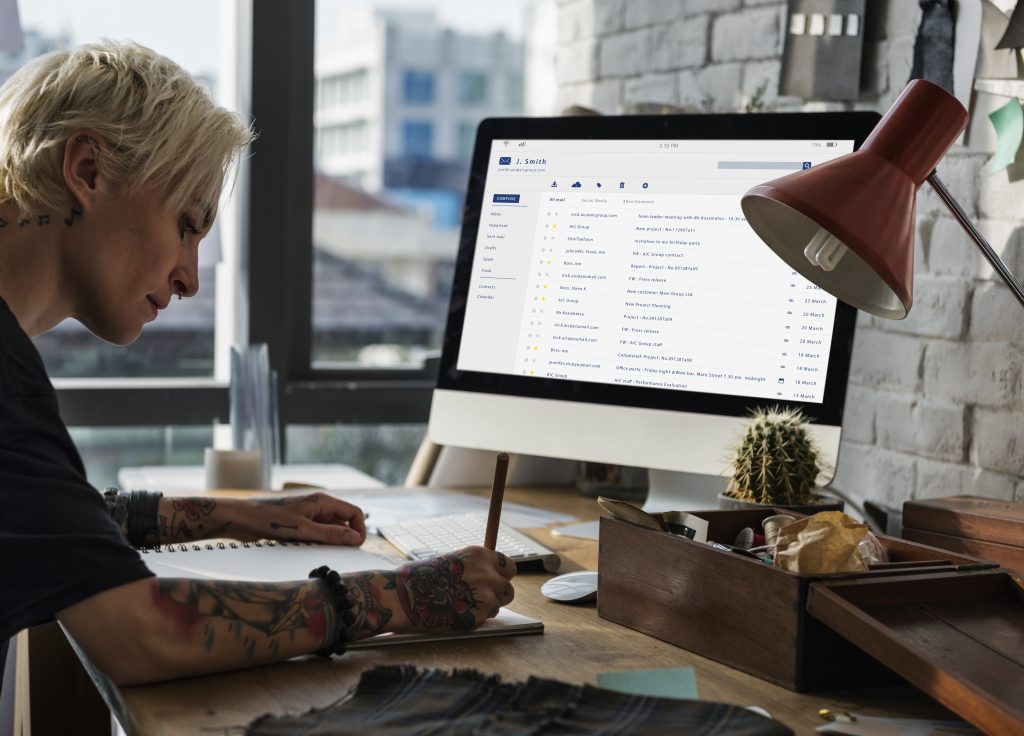
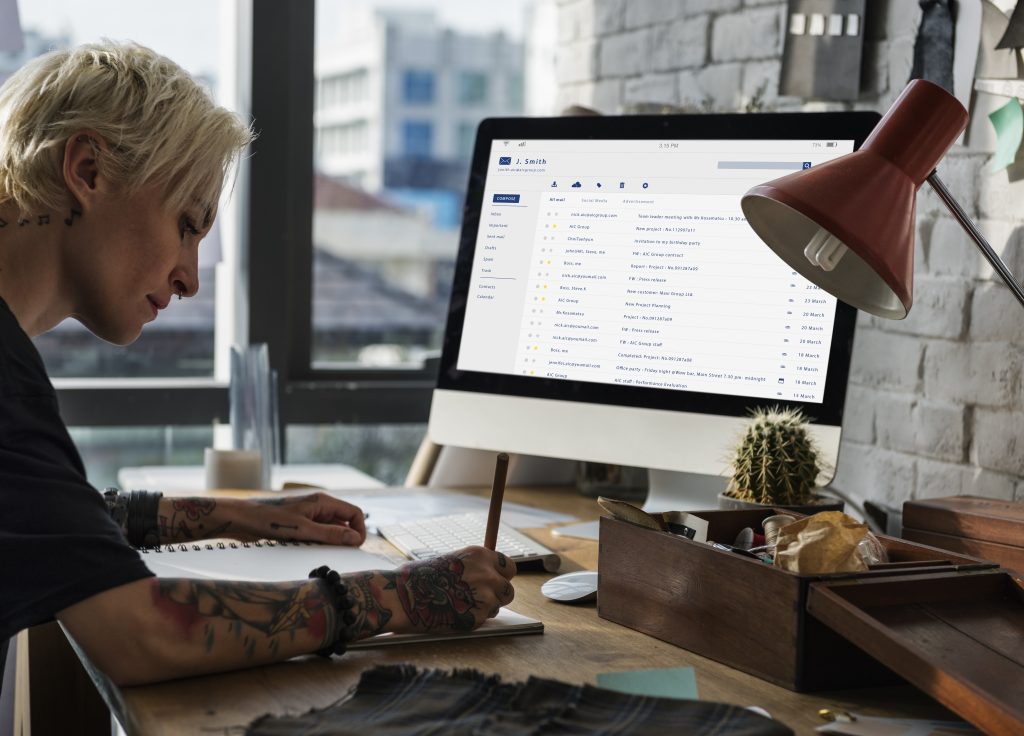
One of the biggest advantages of a virtual mailbox is digital access. After mail is scanned, you can log in to your online portal or mobile app to view your documents.
Features typically include:
-
Downloading scanned documents in PDF format
-
Viewing envelopes before opening the contents
-
Sharing documents with team members or clients instantly
This step eliminates delays and ensures that critical documents are accessible in real-time.
Step 5: Forwarding Physical Mail or Packages
If you need the original mail or packages, virtual mailbox providers can forward them to your chosen address. You can customize forwarding based on:
-
Frequency: weekly, bi-weekly, or one-time
-
Destination: home, office, or international address
-
Consolidation: multiple items can be combined into one shipment to save costs
Reliable courier services are usually used to ensure timely and secure delivery.
Step 6: Mail Storage and Organization
Virtual mailbox services often provide secure storage options for your mail and packages. This is particularly useful if:
-
You want to keep important documents without forwarding immediately
-
You need long-term storage for legal or financial correspondence
-
You want to organize mail digitally while keeping physical copies safe
Some services also allow automated sorting or categorization, making mail management effortless.
Step 7: Additional Services and Features
Many virtual mailbox providers offer additional features that enhance efficiency:
-
Check deposit services: Deposit checks received in your virtual mailbox directly to your bank.
-
Package tracking: Monitor the shipment and delivery of forwarded packages.
-
Custom notifications: Receive alerts only for specific types of mail.
-
Team access: Allow multiple team members to view, manage, or approve mail digitally.
These features make virtual mailboxes a complete solution for modern businesses.
Conclusion
A virtual mailbox is an essential tool for freelancers, startups, remote teams, and small businesses in 2026. By digitizing your mail and providing flexible handling options, virtual mailboxes save time, reduce costs, and maintain professionalism.
By following these seven steps—signing up, logging mail, deciding actions, digital access, forwarding, storage, and using additional services—you can transform your mail management process. Whether you need to receive important documents, forward packages, or maintain a professional address, a virtual mailbox ensures your business stays efficient and organized in a fast-paced, remote-first world.