English










































Best Security Features to Look for in a Virtual Mailbox

A virtual mailbox can be an invaluable tool for modern businesses, freelancers, and remote teams. It provides a professional mailing address, digital access to correspondence, and flexibility that traditional mail systems can’t match. However, because physical mail can contain sensitive information—such as legal documents, financial statements, and private correspondence—security should be a top priority when choosing a virtual mailbox provider.
This article explores the best security features to look for in a virtual mailbox so you can protect your business information and maintain privacy, compliance, and peace of mind.
1. Secure Physical Mail Handling
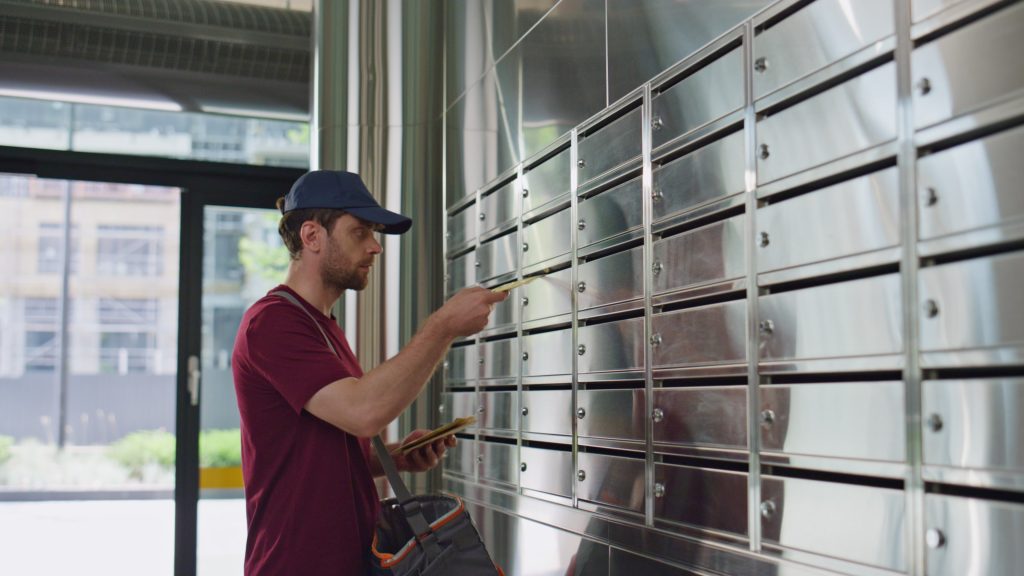
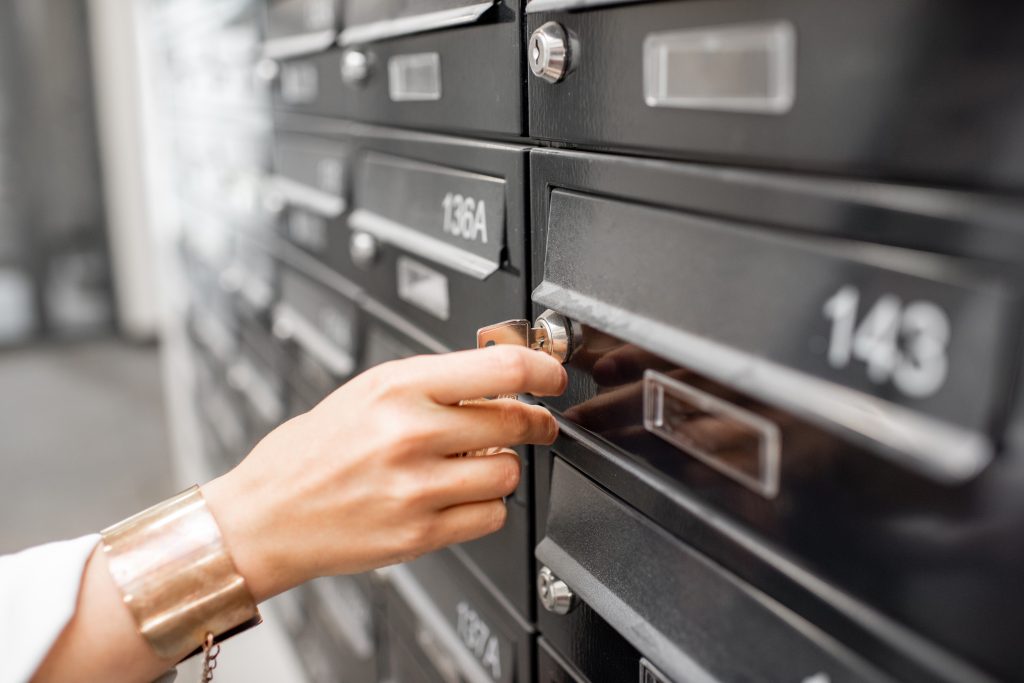
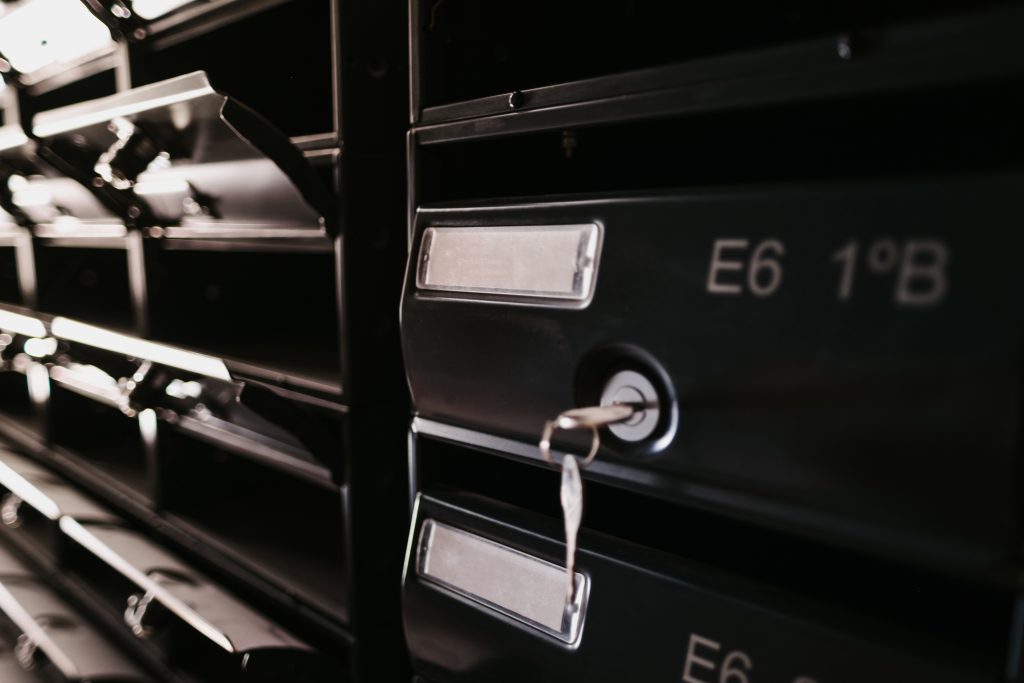
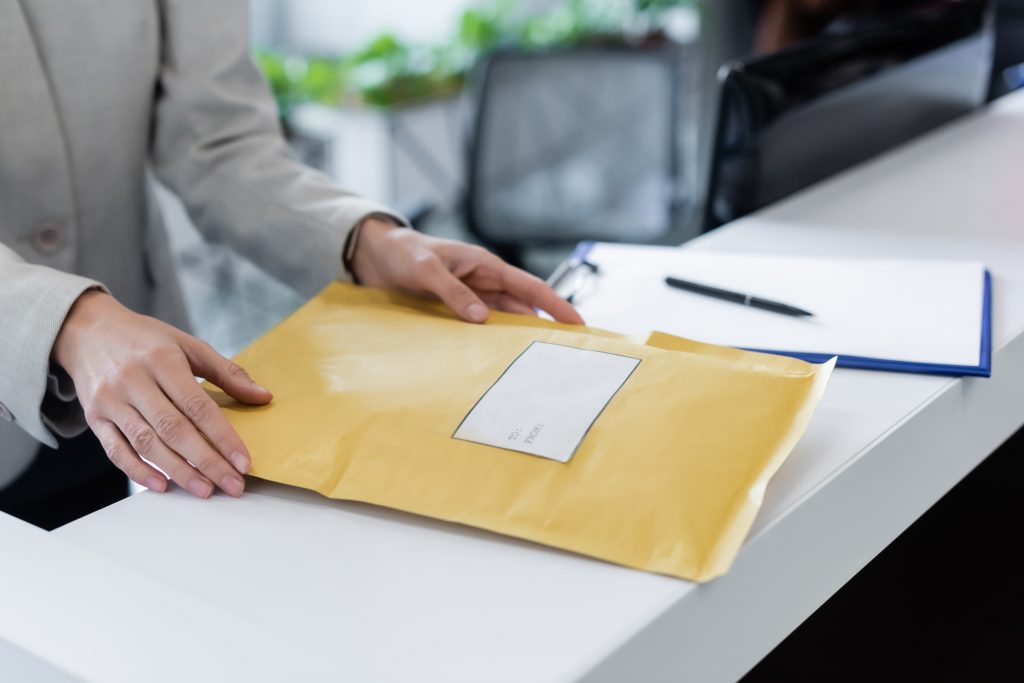
The first layer of security begins with the physical handling of your mail. Even though the mailbox service is virtual, incoming letters and packages are first received in a real location. Ensure your provider uses:
-
A secure facility with controlled access
-
Locked mailrooms or storage areas
-
Employee background checks and training for staff handling mail
-
Clear protocols for logging and tracking mail items on arrival
These measures prevent mail from being lost, mishandled, or accessed by unauthorized personnel before it is digitized.
2. Digital Encryption and Secure Data Storage
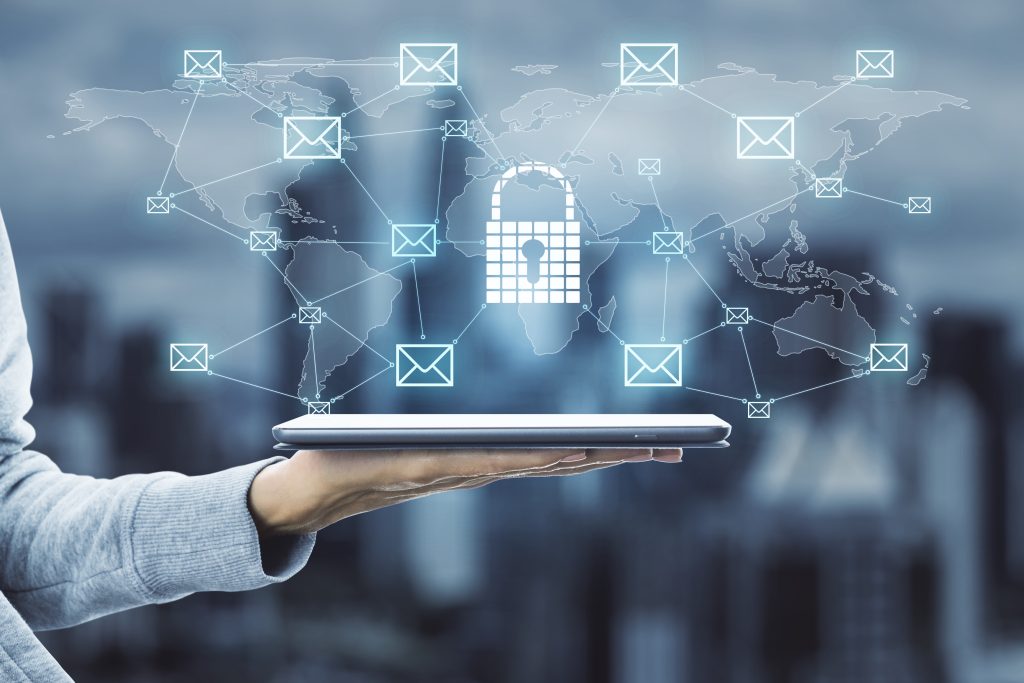
Once mail is scanned and uploaded to your online account, encryption protects it from unauthorized access. Look for providers that use:
-
Encryption in transit (TLS/SSL) to protect data as it moves between servers and your device
-
Encryption at rest so stored scans cannot be read if a server is compromised
-
Secure data centers with redundant backups to preserve integrity and availability
High‑level encryption ensures that your digital mail is protected against cyberattacks and unauthorized access.
3. Strong Authentication and Access Controls
A secure virtual mailbox must verify that only authorized users can access digital mail. Key features include:
-
Multi‑factor authentication (MFA): requires more than a password to sign in
-
Unique user accounts: no shared logins that weaken accountability
-
Role‑based permissions for teams: different levels of access for administrators, viewers, and limited users
These access controls help prevent unauthorized access even if login credentials are stolen or intercepted.
4. Audit Trails and Activity Logs
Knowing who accessed what, when, and how is critical for security and compliance. Look for providers that offer:
-
Detailed audit logs showing user activity
-
Time‑stamped records of mail access, scans, and forwarding requests
-
Alerts for unusual activities, such as new device logins or failed access attempts
Audit trails are essential for internal reviews, troubleshooting, and investigations following suspicious activity.
5. Secure Mail Scanning Procedures
Mail scanning is where physical mail becomes digital, so it must be handled carefully. Features to look for include:
-
Scanning by trained staff with strict confidentiality policies
-
Secure scanning stations and restricted access areas
-
Verification processes to ensure the correct document is linked to the correct account
-
Digital watermarking or stamping that identifies the scan source
This ensures that mail digitization is accurate, secure, and not compromised during processing.
6. Secure Mail Forwarding and Package Handling
When you choose to receive physical items, the method of forwarding matters. Ensure your provider offers:
-
Trackable forwarding with delivery confirmation
-
Secure packaging to prevent tampering
-
Options for insured shipments
-
Chain of custody documentation for high‑value or legal mail
These measures maintain security beyond the digital realm, protecting physical items from loss or theft in transit.
7. Secure User Interfaces and Mobile Access
Virtual mailboxes are accessed through web dashboards or mobile apps, and these points must be secure. Key features include:
-
HTTPS‑protected websites and secure API connections
-
Regular security updates and patches
-
Timeouts for inactive sessions
-
Limited data exposure on public or shared devices
Well‑designed user interfaces with security in mind reduce the risk of data leakage or session hijacking.
8. Data Retention and Secure Deletion Policies
Secure mailbox services should clearly define how long mail is stored and how it is deleted. Good security practices include:
-
Clear retention policies that comply with regulations and customer needs
-
Secure deletion of digital files upon request or after retention period
-
Proper disposal or shredding of physical mail and documents when requested
This ensures that outdated or unnecessary information does not become a liability.
9. Compliance With Industry Standards
Depending on your industry, mail may contain regulated information. Ensure your provider complies with relevant standards, such as:
-
GDPR for personal data in Europe
-
HIPAA for healthcare information in the United States
-
PCI DSS if handling payment information
-
Local and national data protection laws
Compliance demonstrates that the provider meets recognized security benchmarks and helps protect your business from regulatory penalties.
10. Transparent Security Policies and Support
Finally, the provider’s commitment to security should be clear and transparent. Look for:
-
Publicly available security documentation
-
Clear terms of service and privacy policy
-
Responsive customer support with security‑focused assistance
-
Regular security audits or third‑party assessments
Transparency indicates that a provider takes security seriously and is accountable to its customers.
Conclusion
Virtual mailbox services offer convenience and flexibility, but security must not be an afterthought. Protecting sensitive business mail requires a combination of physical safeguards, digital encryption, robust access controls, secure scanning and forwarding, and compliance with industry standards.
When evaluating virtual mailbox providers, prioritize those that implement strong security measures across all stages of mail handling. By choosing a secure service, businesses can confidently manage mail remotely, maintain client trust, and protect critical information in an increasingly digital world.